
Peel Back
FREEApple Watch Face
Get this face
Scan with your iPhone camera
It opens Peel Back in the free Watch Faces app.
Or open the App Store pageHow it gets to your watch
- Open it in the free Watch Faces app
- Tap Add This Watch Face
- It lands in the Watch app on your iPhone, ready for your wrist
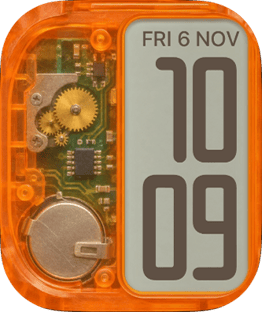
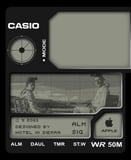
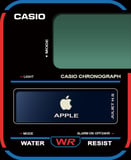
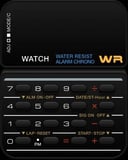
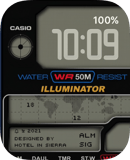
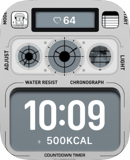
🍊 The Peel Back watch face looks like a little machine inside orange candy. Its clear shell lets the tiny details shine. 🔎
- TypeWallpaper
- AccessFree
- CategoryWatches
More like this
See all 47 in Retro Digital
Get Peel Back on your wrist
Free app, 4.6★ from 24K ratings. Scan with your iPhone camera, tap Add This Watch Face, and it lands in the Watch app on your iPhone.