16 Thanksgiving Apple Watch Faces for 2026
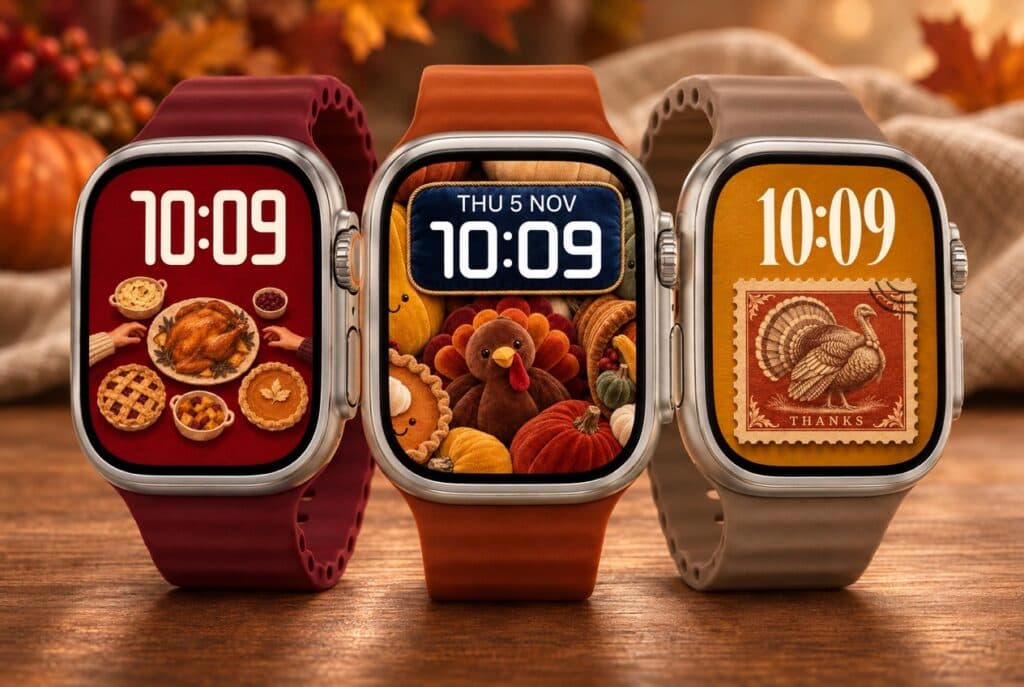

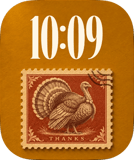
Thanksgiving Apple Watch faces bring the holiday’s small details into view: a pie cooling on a sill, a crayon turkey, a place at a crowded table. These 16 free wallpapers arrived in November 2026. Some are cheerful enough for the kids’ table; others keep to warm wood, quilted fabric and a simple word of thanks.
The grid puts this month’s most popular additions first. Open any card for its full preview and installation options, or browse our Thanksgiving watch face collection for more ideas.
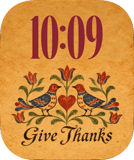
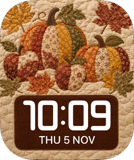
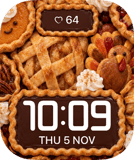
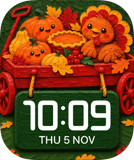
Thanksgiving Apple Watch faces for the way you celebrate
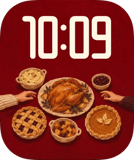
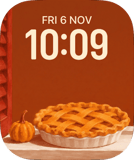
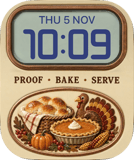
If the meal is your favourite part, Save Your Seat puts you right at the table, with hands reaching towards the turkey. Meanwhile, Save a Slice takes a quieter moment: a golden pie rests beside a pumpkin. Room for Pie packs in pastries for anyone who plans the day around dessert.
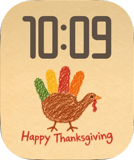
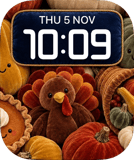
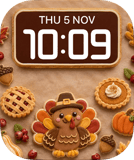
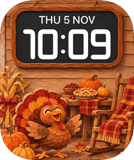
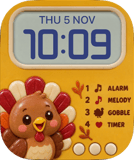
For a playful screen, Little Gobbler has the charm of a handprint drawing brought home from school. By contrast, Stuffed swaps crayon for a plush turkey and velvet pumpkins. Or choose Gobble for a honey-yellow toy turkey that keeps the colour warm and the shapes simple.
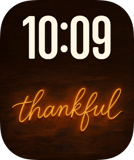
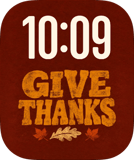
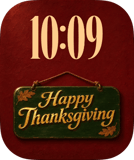
There are calmer Thanksgiving Apple Watch faces here, too. Still Thankful sets amber script against dark wood, while Kindred pairs folk birds with flowers. For a softer look, Patchwork suits anyone drawn to quilts and homespun patterns. These are good places to start if you want a seasonal face you’ll enjoy beyond the dinner itself.
Make the clock easy to spot
For a Thanksgiving wallpaper, pick the artwork first, then check how the time sits over it. A pie crust or patterned pumpkin can compete with thin numerals. So try a bolder clock and a colour that stands apart from the background. Also check the preview at the size you’ll actually see on your wrist.
Open your chosen design and follow the Watch Faces app’s wallpaper instructions on your iPhone. For the built-in controls, Apple’s Photos watch face guide covers choosing an image and changing the layout. Finally, check the time on the watch itself. A tiny adjustment can keep the turkey, the pie and the clock happily in view.
Related posts
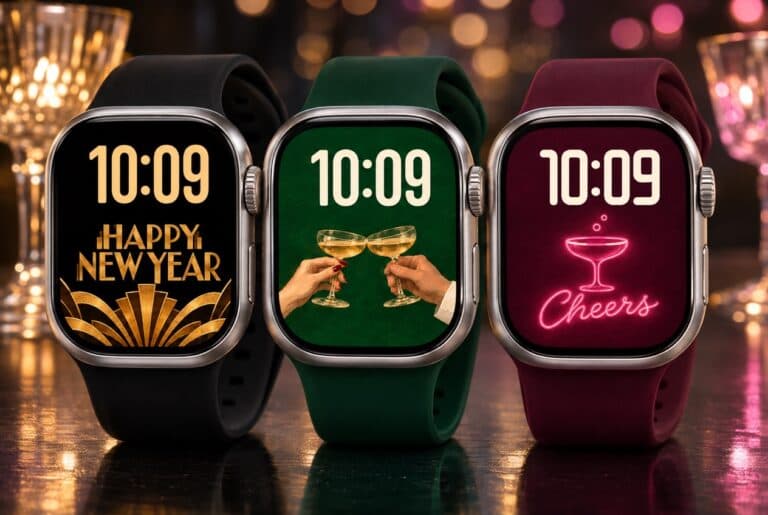
7 New Year Apple Watch Faces to Welcome 2027
Welcome 2027 with 7 New Year Apple Watch faces added in November. Browse free wallpapers with gold lettering, painted glasses and neon.
Read 7 New Year Apple Watch Faces to Welcome 2027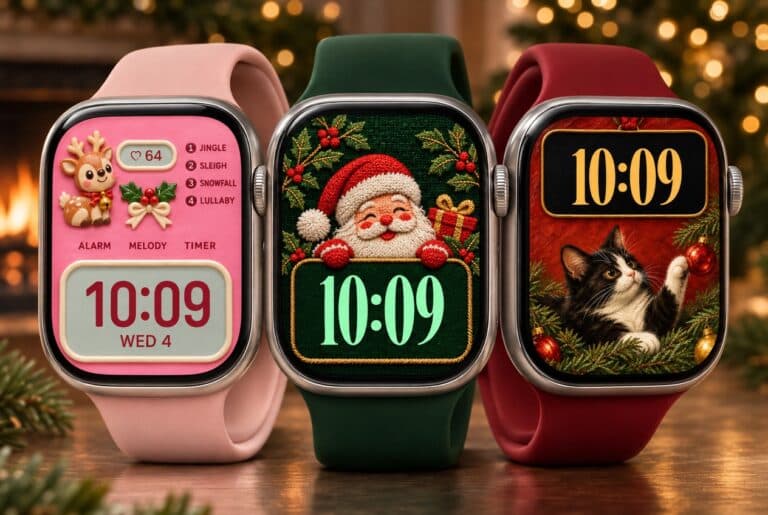
20 Christmas Apple Watch Faces for a Cozy December 2026
Explore 20 Christmas Apple Watch faces added in November 2026. Browse the most popular new wallpapers, from stitched Santa to gingerbread.
Read 20 Christmas Apple Watch Faces for a Cozy December 2026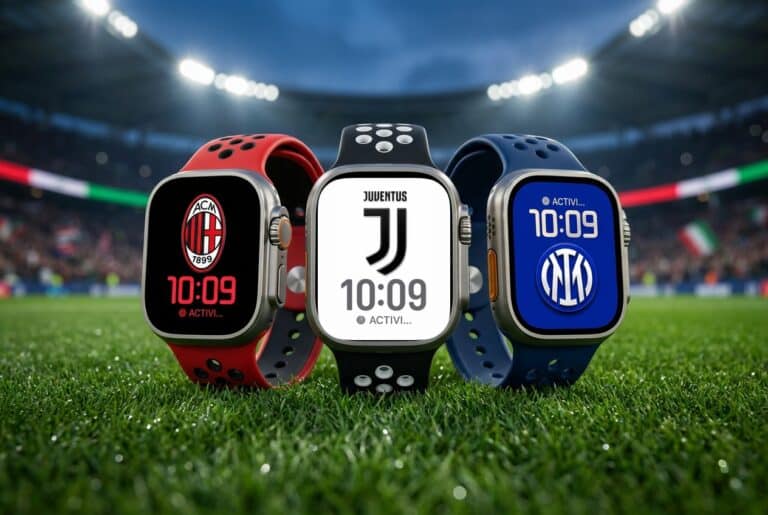
20 Best Serie A Apple Watch Faces for 2026/27
See the 20 best Serie A Apple Watch faces for 2026/27, with every club—from Inter and Juventus to Venezia, Frosinone and Monza—in one quick grid.
Read 20 Best Serie A Apple Watch Faces for 2026/27