Apple 26.4 Update Released for iOS, watchOS, macOS, and More

The Apple 26.4 update is now available for iOS, iPadOS, macOS, watchOS, tvOS, and visionOS. Apple posted the public release entries on Tuesday, March 24, 2026, listing iOS 26.4 (23E246), iPadOS 26.4 (23E246), macOS 26.4 (25E246), tvOS 26.4 (23L243), visionOS 26.4 (23O247), and watchOS 26.4 (23T240). If you followed the recent beta cycle, this is the stable version now rolling out across Apple’s major platforms.
What is in the Apple 26.4 update?
Based on Apple’s developer release feed and same-day coverage, iOS 26.4 and iPadOS 26.4 lead with Playlist Playground in Apple Music, video podcasts, new emoji, easier subtitle controls, and Family Sharing purchase changes. macOS 26.4 brings back Safari’s compact tab bar, adds Mac battery charge limits, and introduces new warnings for apps that still rely on Rosetta 2. tvOS 26.4 adds Genius Browse in the Apple TV app, while visionOS 26.4 improves Spatial Audio behavior and adds AirPods Max 2 support. watchOS 26.4 is part of the same wave with a faster way to start workouts from the Workout app.
Why Apple Watch users should still care
Even as a broad Apple software drop, the Apple 26.4 update matters to Apple Watch users because watchOS 26.4 ships alongside the iPhone and Mac updates many people use every day. The biggest watch-facing change is the one-tap Workout app start, but the bigger story is platform stability: paired-device behavior, Apple Music features, notifications, and update compatibility all improve when the iPhone, Apple Watch, and Mac are on the same current release. If you track our Updates coverage or our watchOS Updates archive, this is one of the key public rollouts in the 26 cycle.
Should you install the Apple 26.4 update now?
For most users, yes. This is the public release rather than a developer beta or Release Candidate, and the feature set looks practical instead of experimental. If your daily setup depends on an Apple Watch, updating the iPhone and watch together should deliver the cleanest experience. The main reason to wait a day or two is if you rely on older Mac apps, niche enterprise software, or you want to watch for early bug reports before updating every device at once.
For more context on the rollout path, you can also revisit our earlier 26.4 Beta 4 article and compare the public release with the final beta-stage changes.
Related posts
Apple Rolls Out 26.4 Beta 4 for iOS, watchOS, macOS
Apple’s latest iOS update beta cycle keeps an unusual pace with the release of Beta 4 for iPadOS 26.4, tvOS 26.4 and other platforms.
Read more Apple Rolls Out 26.4 Beta 4 for iOS, watchOS, macOS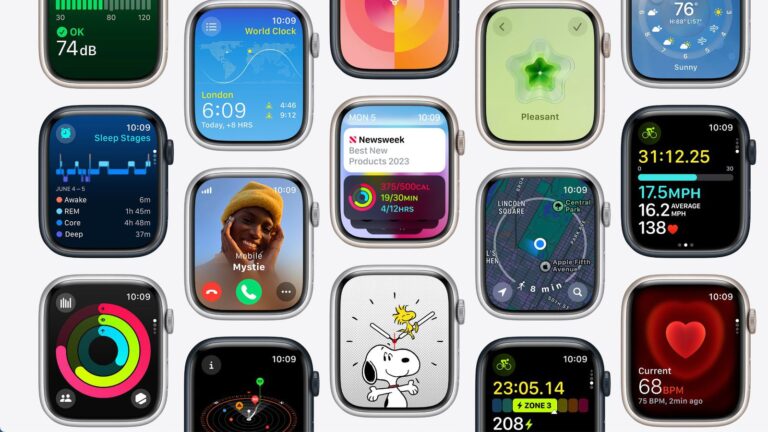
Everything You Need To Know About watchOS 10
New watchOS updates are the highlight of any Apple enthusiast’s calendar, especially when they include widget updates and a complete interface overhaul. If you’ve been counting the days until a watchOS 10 update, we have some excellent news — Apple has released an overview of the next operating system.
Read more Everything You Need To Know About watchOS 10
The Latest watchOS 10 Watch Face Drop
Smartwatch enthusiasts, it’s time to rejoice.
Read more The Latest watchOS 10 Watch Face DropPopular Watch Faces


NFTs