watchOS 26.4 public release is out: what changed for Apple Watch users
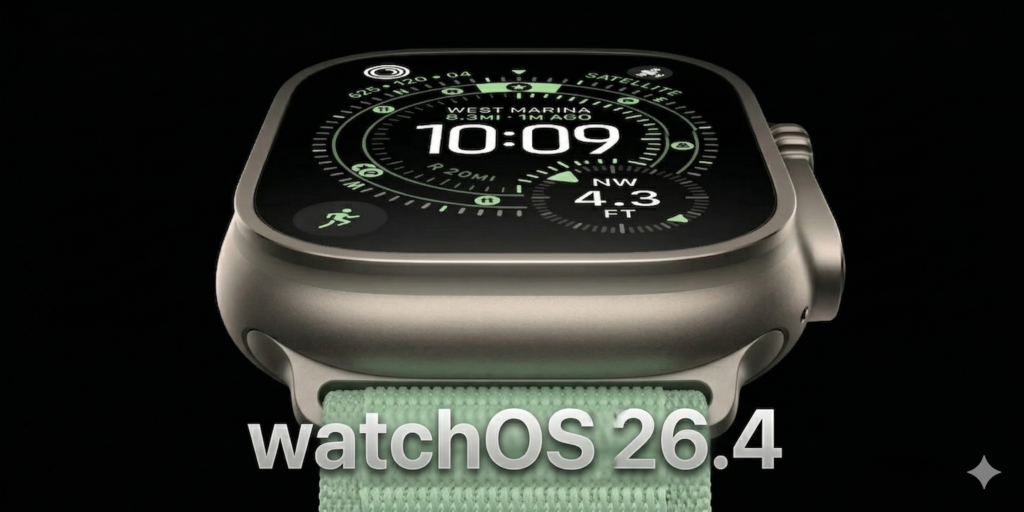

watchOS 26.4 public release arrived on March 24, 2026. Apple is shipping build 23T240. This is not a major Apple Watch redesign. Still, it is an important maintenance update. Apple focuses on stability, bug fixes, and a few quality-of-life gains. The clearest new addition is an Average Bedtime view in Sleep.
What changed in watchOS 26.4
If you wear your Apple Watch to sleep, watchOS 26.4 adds an Average Bedtime metric. You can see it in the Sleep app on Apple Watch. You can also find it in the Health app on iPhone. It shows when you usually go to bed. It also helps you spot changes in your routine over time.
This release also feels smoother in daily use. Animations look cleaner. Apps open with fewer hiccups. Notifications also sync more reliably between iPhone and Apple Watch. Battery life seems steadier too.
Apple did not add new watch faces here. It also skipped a big workout redesign. Siri and Apple Intelligence do not make a big jump in this release either.
Apple’s under-the-hood fixes
Apple’s official notes stay technical. Still, they point to useful cleanup. Apple added new StoreKit transaction fields for developers. It also fixed a delayed Workout Buddy timer issue. The update fixes a SwiftUI .userActivity bug. It improves Movement Disorder API analytics. Apple also resolved a networking leak tied to PAC and auto-discovery.
A few caveats remain. Maps directions can still fail on Apple Watch when the companion iPhone is connected. Developers may also hit sanitizer hangs if they test with older Xcode versions.
Should Apple Watch users install it?
For most users, this is an easy update to recommend. It does not try to reinvent watchOS. Instead, it makes the current release feel more polished. That matters if you care about smooth performance, reliable alerts, and steady health tracking.
If you want a big feature drop, this is not it. If you want a more mature watchOS 26 build, watchOS 26.4 looks like a solid step.
How to install watchOS 26.4
To install watchOS 26.4, open the Watch app on your iPhone. Go to General > Software Update. Then follow the prompts. Keep your Apple Watch on its charger and above 50 percent battery.
For more Apple Watch software coverage, check our watchOS Updates archive, the broader Updates hub, and our earlier 26.4 beta 4 roundup.
Related posts
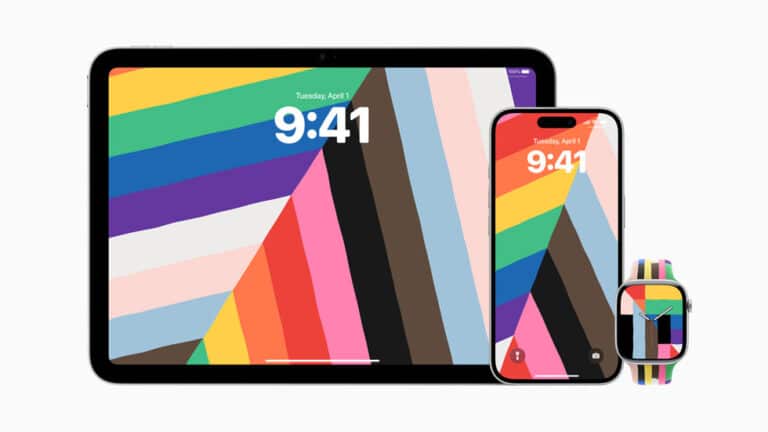
watchOS 11.5 Colors Your Watch with Pride and Simplifies Apple TV Purchases
Released on May 12, 2025, the watchOS 11.5 update brings two standout features alongside important stability and security fixes.
Read more watchOS 11.5 Colors Your Watch with Pride and Simplifies Apple TV Purchases
watchOS 11.4 Unleashes Breakthrough Silent Mode & Smart Home Surprises
The public release of watchOS 11.4 from Apple has received substantial attention from Apple Watch enthusiasts.
Read more watchOS 11.4 Unleashes Breakthrough Silent Mode & Smart Home Surprises
Apple’s Latest watchOS 11.4 Beta Release: Fresh Developer Tools & Smoother Experiences
Apple has just rolled out watchOS 11.4 Beta 1, packed with innovative updates for developers and significant performance enhancements for users.
Read more Apple’s Latest watchOS 11.4 Beta Release: Fresh Developer Tools & Smoother Experiences