Can You Use an Apple Watch With Android? What Works and What Doesn’t

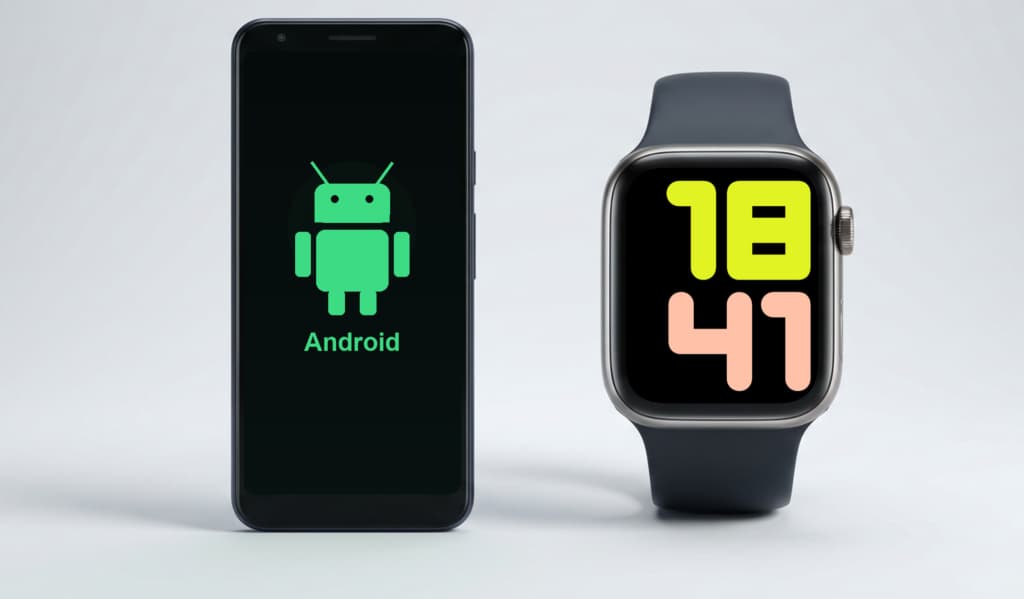
Apple Watch is not a Bluetooth accessory you can pair with any phone. It needs the Apple Watch app on iPhone to activate, configure, update, and manage the watch.
Android can open a Bluetooth pairing screen. That screen cannot run Apple’s setup flow. It also cannot sync iPhone-style notifications, manage watchOS, set up Apple Pay, restore backups, or install Apple Watch apps.
There are edge cases. A cellular Apple Watch can work away from its paired iPhone. Apple Watch For Your Kids can help a family member use a watch without owning an iPhone. Neither option turns Apple Watch into an Android smartwatch.
If Android is your only phone, skip Apple Watch. Choose a Wear OS watch instead, or wait until you move to iPhone.
Quick Compatibility Answer
Short version:
- Pair with Android: No.
- Set up from Android Bluetooth settings: No.
- Use cellular away from iPhone: Yes, after iPhone setup.
- Use without owning an iPhone: Sometimes, through Apple Watch For Your Kids.
- Best buy for Android users: Usually a Wear OS watch, not Apple Watch.
Why Apple Watch Does Not Pair With Android
Apple Watch setup is more than Bluetooth. The iPhone pairs the watch and signs in to an Apple Account. It also configures watchOS, creates the backup relationship, and prepares Apple services.
Apple’s current setup guide says watchOS 26 requires a compatible Apple Watch. It also requires an iPhone 11 or later with iOS 26 or later. Apple’s compatibility table gives that same requirement for Series 11, SE 3, and Ultra 3.
Older Apple Watch models have different iPhone, iOS, and watchOS requirements. The pattern stays the same: setup goes through iPhone, not Android.
Android has no official Apple Watch app. You cannot download Apple’s Watch app from Google Play. You also cannot scan the Apple Watch pairing animation with an Android phone.
What Happens If You Try to Pair One?
A new or erased Apple Watch waits for iPhone setup. It does not offer an Android setup mode.
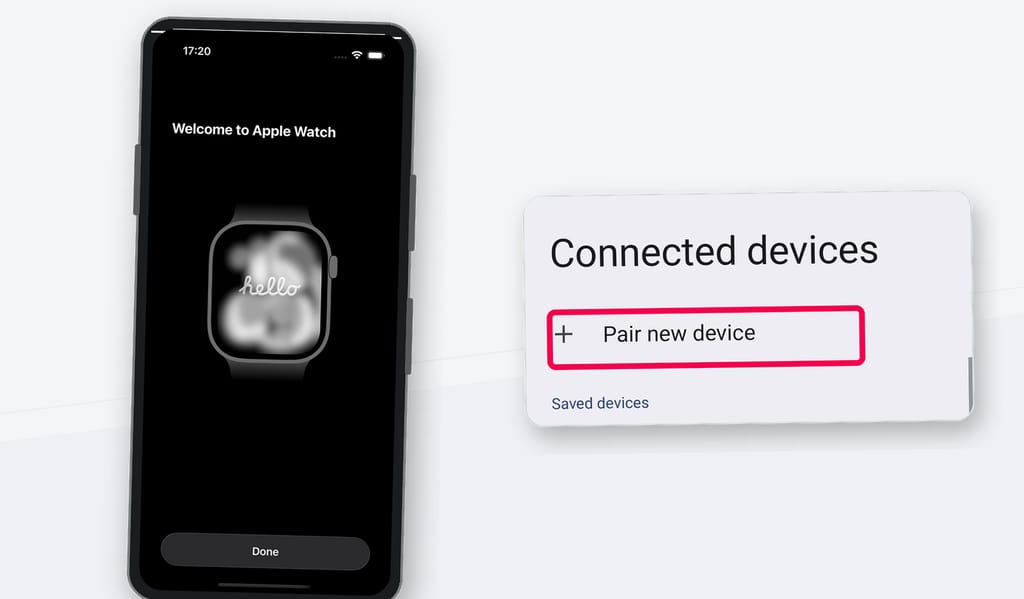
Android Bluetooth settings may still show a “Pair new device” screen. That does not matter here. Apple Watch needs the watchOS pairing process, not a generic Bluetooth handshake.
If your watch already belongs to an iPhone, switching your daily phone to Android does not move the watch. The watch remains linked to that iPhone and Apple Account.
You may still see some standalone behavior on a cellular model. You will not get the normal phone-watch relationship. Android notifications, Android apps, and Google account features do not sync to Apple Watch.
Used watches add another risk. An erased watch still needs iPhone setup. A watch that still has Activation Lock may block a new owner entirely.
Does Cellular Change the Answer?
Cellular helps, but it does not solve Android compatibility.
Apple says GPS + Cellular models can connect to cellular networks. They can make calls and use data or apps when the iPhone and Wi-Fi are not nearby.
The iPhone still matters. You need it for setup, many settings, cellular plan management, troubleshooting, backups, and account cleanup. Apple’s own cellular setup flow runs during Apple Watch setup or later in the Apple Watch app on iPhone.
Think of cellular as extra reach after iPhone setup. It is not a way to replace the iPhone with Android.
This only makes sense if you keep reliable access to the paired iPhone. If you plan to sell or erase the iPhone, do not buy a cellular Apple Watch for Android.
Apple Watch For Your Kids Is Different
Apple Watch For Your Kids, formerly called Family Setup, gives families one real exception. A family member can use a cellular Apple Watch without owning an iPhone.
Apple still requires an iPhone for setup and management. In Apple Watch For Your Kids, Apple says the family organizer or parent/guardian uses their iPhone.
This can work well for a child or older family member. It can support calls, messages, location sharing, Schooltime, and selected watch features without handing that person an iPhone.
It is still not Android pairing. The watch needs a compatible cellular Apple Watch model, a Family Sharing setup, carrier support, and ongoing iPhone management. Apple also notes that managed family watches do not support every feature available on a personally paired watch.
So the family answer can be yes. The Android-owner answer remains no.
What Works Without an iPhone Nearby?
Once set up, Apple Watch can do a lot without the iPhone in your hand.
Apple’s guide says the watch can use Wi-Fi when the iPhone is off or out of range. Cellular models can use cellular. With a connection, Apple lists calls, messages, Siri, weather, Home controls, reminders, music streaming, Maps, Mail, and News.
Without iPhone, Wi-Fi, or cellular, the watch still handles local tasks. It can track workouts, show the time, run alarms and timers, and log activity. It can also use synced photos, downloaded audio, and Apple Pay in supported cases. Heart-rate checks, mindfulness, Compass, sleep tracking, and some health features can still work too.
The important phrase is once set up. These features do not remove the iPhone requirement. They only describe what the watch can do after setup.
If You Already Own an Apple Watch and Switch to Android
You have two realistic choices: keep a compatible iPhone as the management device, or unpair and sell the Apple Watch.
Do not erase, sell, or lose the iPhone too quickly. You may need it for software updates, settings, backups, troubleshooting, Find My, cellular changes, and account cleanup.
If you sell the watch, unpair it properly first. Make sure Activation Lock is gone. A buyer with an iPhone cannot use a watch that remains locked to your Apple Account.
Should Android Users Buy an Apple Watch?
For almost everyone on Android, no.
Buy an Apple Watch only if:
- You also own a compatible iPhone and will keep using it.
- A family organizer will manage a cellular watch through Apple Watch For Your Kids.
- You know cellular gives limited independence, not Android pairing.
Avoid Apple Watch if:
- Android is your only phone.
- Android notifications matter to you.
- Google account, Google Play, or Android app integration matters.
- You want to manage the watch from Samsung, Pixel, OnePlus, Xiaomi, or another Android phone.
- The seller cannot prove they erased the used watch and removed Activation Lock.
Better Smartwatch Options for Android
If Android is your main phone, start with Wear OS. Samsung Galaxy Watch and Google Pixel Watch models support Android setup, Android notifications, Google Play services, and Android companion apps.
Samsung’s Galaxy Watch compatibility page says Galaxy Watch Ultra and Galaxy Watch7 work with Android 11 or later. Samsung also notes that non-Samsung Android phones can connect to Galaxy Watch, though some features have limits.
Google’s Pixel Watch compatibility page lists compatible Android versions by Pixel Watch generation. It also points users to the Google Pixel Watch app.
The best watch depends on your phone. Samsung phones usually get the fullest Galaxy Watch experience. Pixel phones are the natural match for Pixel Watch.
If you may switch to iPhone soon, wait. Buy Apple Watch after the switch.
The Recommendation
If Android is your daily phone, Apple Watch is the wrong buy. Get a Galaxy Watch, Pixel Watch, or another Wear OS watch built for the phone you actually carry.
Save Apple Watch for the moment you move to iPhone. The other exception is a family setup where someone else manages the watch from an iPhone.
Frequently Asked Questions
No. Apple Watch pairs through the Apple Watch app on iPhone. Android phones do not have the official setup app or pairing flow needed to activate and manage an Apple Watch.
A cellular Apple Watch can do some things away from its paired iPhone. It still needs an iPhone for setup, cellular plan management, settings, backups, and full support.
Only in a limited family setup case. Apple Watch For Your Kids lets a family organizer set up a cellular Apple Watch for someone else. The organizer still uses an iPhone to set it up and manage it.
No. Apple Watch does not sync Android notifications the way it syncs iPhone notifications. If Android notification support matters, choose a smartwatch made for Android.
Most Android users should start with Wear OS watches such as Samsung Galaxy Watch or Google Pixel Watch. Confirm compatibility with your phone, region, and carrier before buying.